
A technology half day in Mountain View: Computer history and an optional lakeside walk
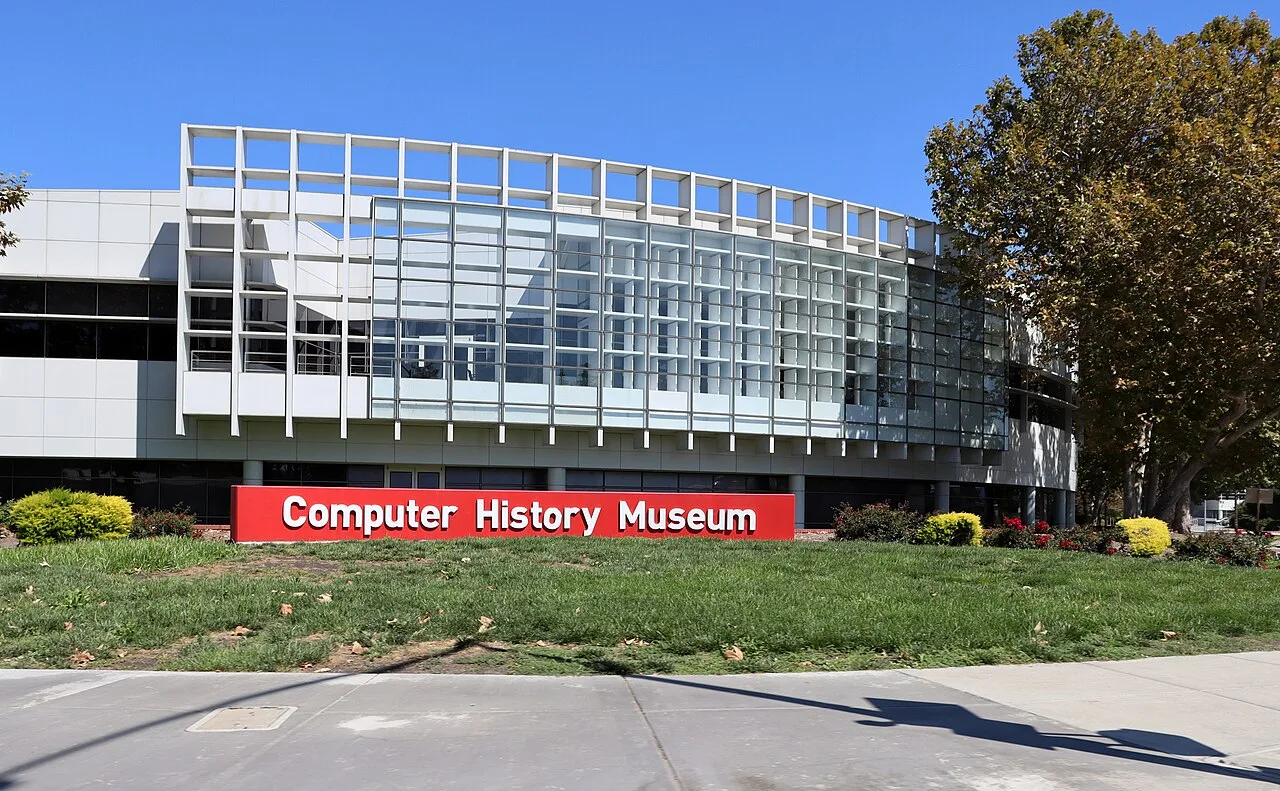 Archive photo · 2025
Move from early calculating devices to software stories, planning demos, tickets, accessibility and the optional lake visit separately.
For: Curious about technology, Families with school-age children
Visit the Computer History Museum with an everyday question: how did shopping, work and friendship become computerized? Revolution combines devices with human stories, making it approachable without a technical background. Give the museum the main half day, adding Shoreline Lake only if weather, energy and transport suit your group.
Choose a theme instead of seeing every object
- Cost: exhibits require admission; store and cafe purchases are separate. Check current discounts, child tickets and demonstration arrangements online.
- Duration: allow 2.5–4 hours inside. The lake requires additional travel and walking time; these are separate destinations.
- Arrival: navigate to 1401 N Shoreline Blvd; the museum lists free parking. From Mountain View station, plan the remaining bus, bike or pickup connection.
- Mobility: exhibits are wheelchair accessible and loan wheelchairs are limited. Check the rules for large bags before entering galleries.
Two museum stops, then decide on the lake
Calculating devices, software and an optional lake visit
The first two stops are inside the Computer History Museum; the third is a park requiring separate travel arrangements.
Stop 1: computing stories in Revolution
Pick up a map and check the demo schedule, then choose a theme among calculating devices or early machines. Children can compare size, input methods and purpose, asking whose problem each machine solved. Adults can read selected cases in depth; agree on a meeting point with your companions.
View on mapStop 2: software or a scheduled machine demonstration
Choose software exhibits or a machine demonstration whose schedule you have confirmed. Demos do not run on demand. Take a break and compare the devices with your phone. If the schedule does not work, continue exploring independently instead of squeezing the rest of your visit around a wait.
View on mapStop 3: an optional short walk at Shoreline Lake
Before leaving the museum, check lake weather and directions and arrange the separate trip to Shoreline Lake. The park entrance is not the lakeside. Walk a short out-and-back section suited to your energy and observe birds without feeding them. Skip the lake in strong wind, heat or fading daylight.
View on mapCanada geese beside Shoreline Lake in Mountain View, with sailboats in the distance. Archive photograph, 2014.
Leave options for different ages and weather
School-age children can start by finding a machine bigger or older than themselves. Younger children benefit from short sessions and breaks. Keep the museum route on rainy days; bring sun protection and a layer for the lake on clear days. Plan your return from whichever destination you finish at, confirming transit connections rather than assuming an easy pickup.
Check items off to organize your thoughts. Your selections reset when you leave this page.
Check exhibits, tickets and tours before choosing your day's focus.
Plan another Bay Area half day
Choose your next stop by region, allowing time for transport and breaks.
Explore more local guidesOfficial sources
Check the original sources for your circumstances. Admission prices, hours, rules, and services may change.
- CHM: plan your visit(opens in a new tab)
Check opening and major exhibits, and buy tickets through the official site.
- CHM: Revolution exhibition(opens in a new tab)
Explore exhibition themes from early calculation to modern computers.
- CHM: visitor FAQ(opens in a new tab)
Check parking, wheelchairs, bags and visit preparation.
- CHM: tours and machine demonstrations(opens in a new tab)
Machine demonstrations have their own schedule and do not necessarily run every day.
- Mountain View: Shoreline amenities(opens in a new tab)
Check lakeside amenities and outdoor rules for this optional separate destination.
Content updated Sep 26, 2026
Official sources checked September 26, 2026. Route order and durations are BAYLINK editorial suggestions; recheck opening, prices, reservations, construction and transport before leaving.
 Archive photo · 2011
 Archive photo · 2015
 Archive photo · 2023
Bay Area regions explained: San Francisco, the Peninsula, South Bay, East Bay and North Bay, and who each one suits
Archive photo · 20112 min read
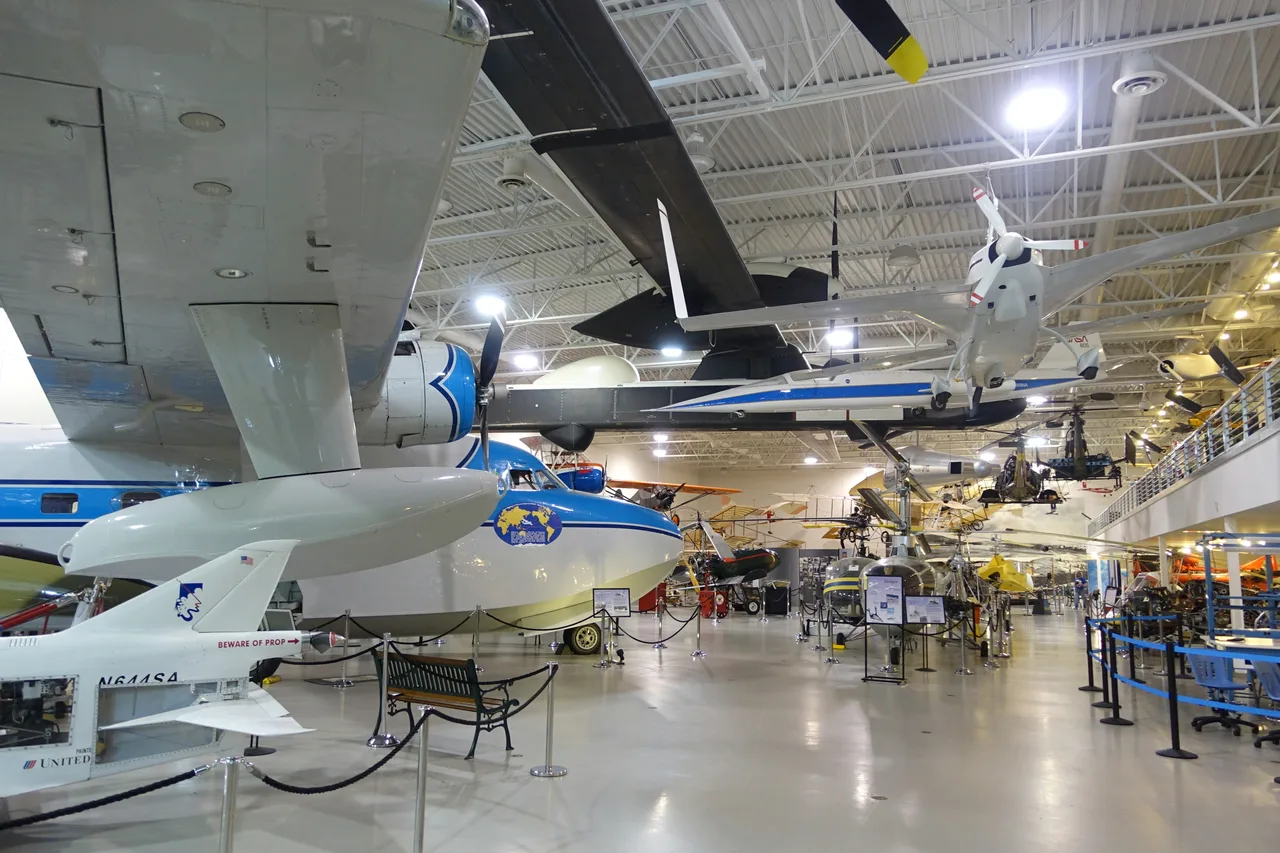
Aviation in San Carlos: a half day at Hiller
Archive photo · 20153 min read
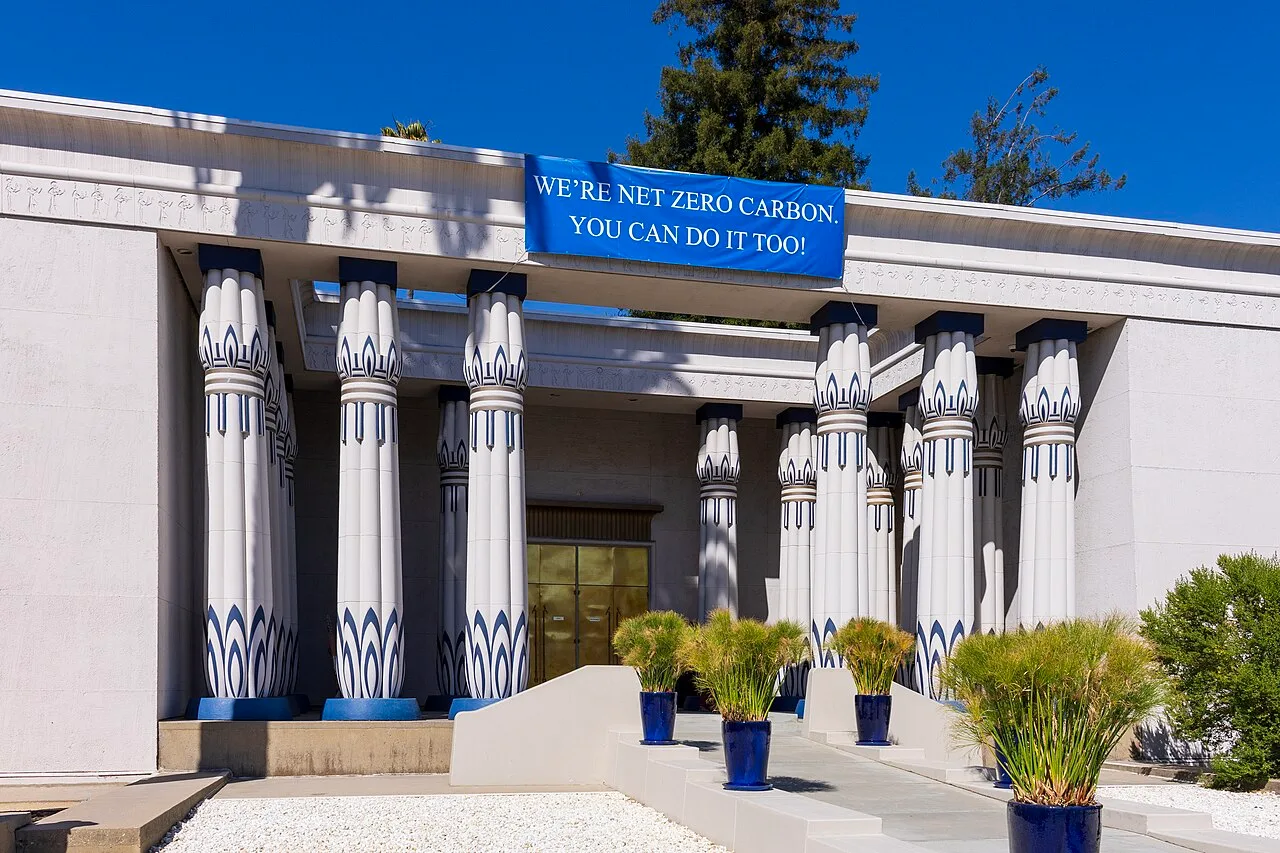
An unhurried San Jose half day: the Egyptian Museum and Municipal Rose Garden
Archive photo · 20233 min read
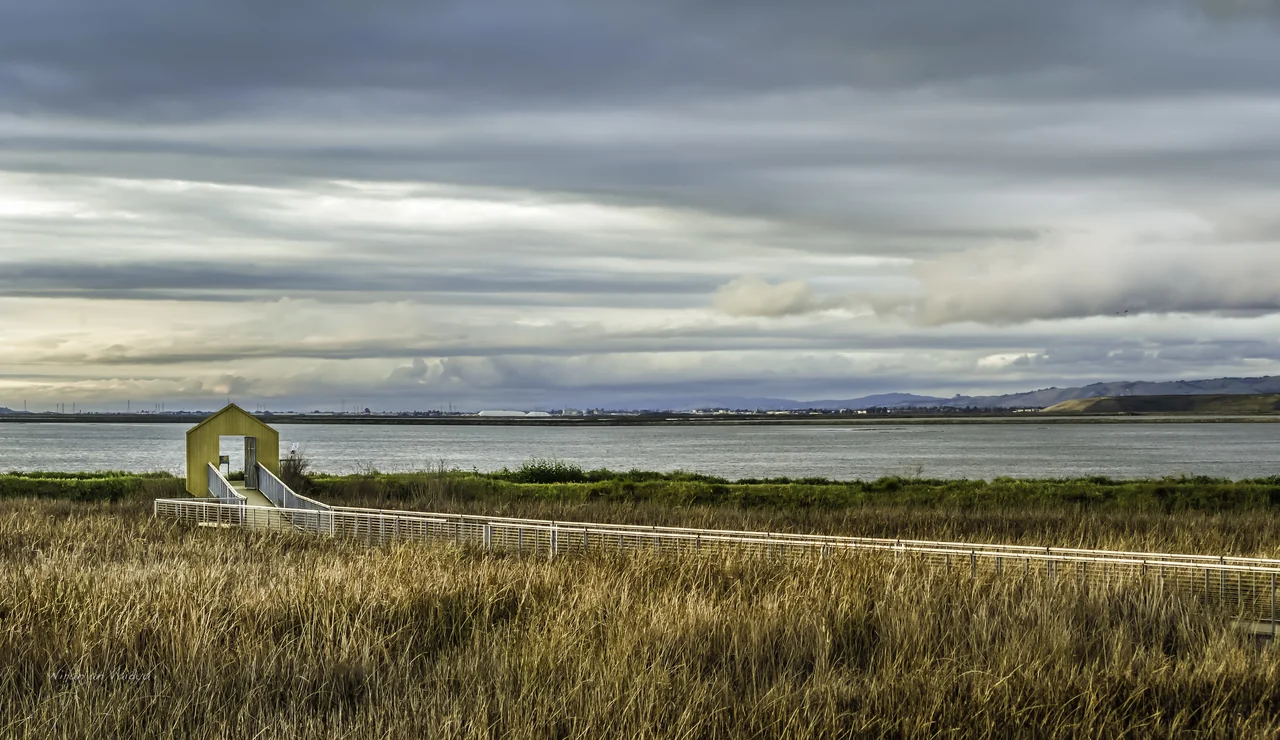
Begin birdwatching at Alviso Marina without committing to a salt-pond loop
 Archive photo · 2013
Oct edition · 1 min read
Image credits (6)
- Archive photo · 2025The curved facade and entrance of the Computer History Museum in Mountain View. Archive photograph, 2025.Coolcaesar · CC BY 4.0 · Resized and compressedLicense
- Archive photo · 2014Canada geese beside Shoreline Lake in Mountain View, with sailboats in the distance. Archive photograph, 2014.Alexey Komarov · CC BY 3.0 · Resized and compressedLicense
- Archive photo · 2011The Golden Gate Bridge viewed from the water, in a 2011 archive photo. This bay scene does not represent a specific ferry route.l0da_ralta · CC BY 2.0 · Resized and compressed; cropped on cardsLicense
- Archive photo · 2015Hiller Aviation Museum galleries, 2015 archival photograph; not the 2026 Starlight Nights event.Daderot · CC0 · Resized and compressedLicense
- Archive photo · 2023The columned entrance to the Rosicrucian Egyptian Museum in San Jose. Archive photograph, 2023.The wub · CC BY-SA 4.0 · Resized and compressedLicense
- Archive photo · 2013Alviso Marina County Park in a 2013 reference photo; it shows the wetland setting, not current trail access.Wanderenvy / Niranjan Vaidya · Wikimedia Commons · CC BY-SA 3.0 · Resized and compressedLicense